
PACKET ENGINEERING SOFTWARE
See the packet.
Control the test.
Three focused desktop applications and a Wireshark plugin for creating traffic, generating mobile-core sessions, and editing captures without hiding the protocol details.
EXPLORE THE PRODUCTSLOOSHA SOFT
Purpose-built tools for engineers who need to know exactly what went onto the wire.
01 / 4G & 5G CORE
Mobile Core Generator
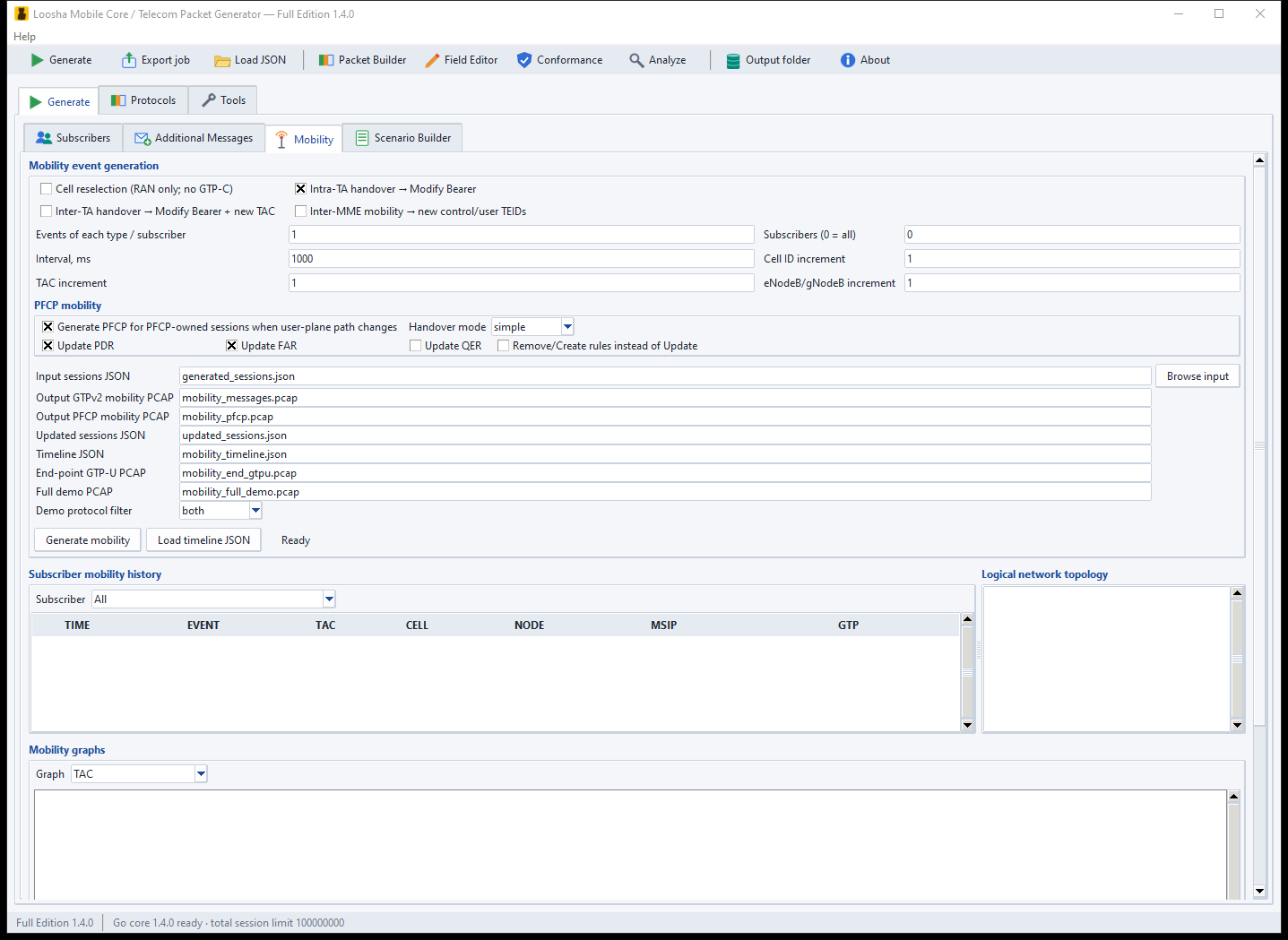
Realistic 4G/5G core traffic without a live network, SIM cards, or radio hardware.
Build correlated GTPv2-C, PFCP, GTP-U, and RADIUS scenarios; model mobility; track GTP and PFCP sessions in any capture; replay to a lab interface; and drive the same work from the GUI, the CLI, or your own AI assistant over MCP.
 OPEN PRODUCT →
02 / CAPTURE ENGINEERING
PCAP Workbench
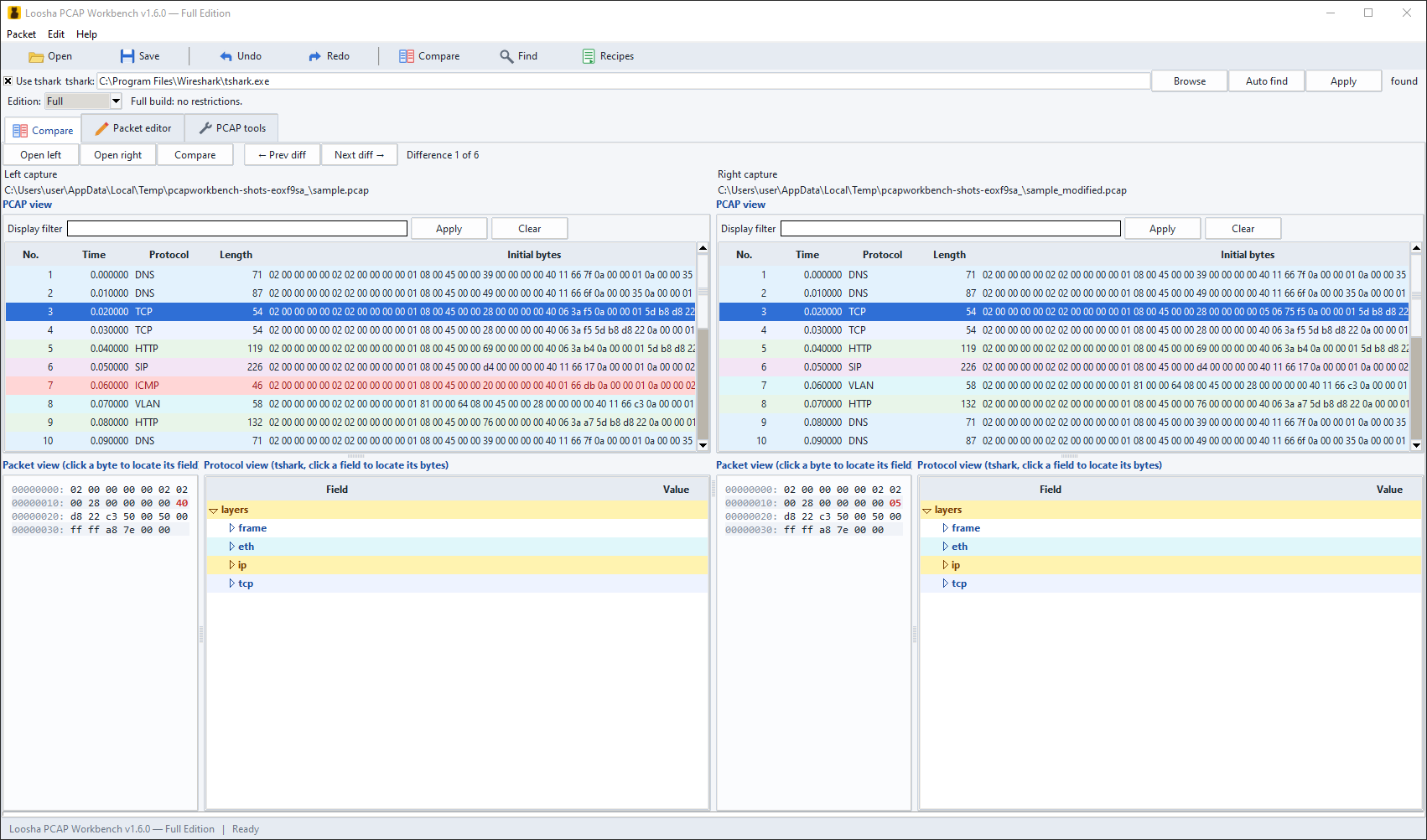
Edit any network capture without breaking it — fully offline.
Change fields or payloads, edit TLS, QUIC, HTTP/2, SCTP, NGAP and S1AP, follow SIP calls and GTP tunnels, repair lengths and checksums, compare and anonymize captures, replay them to a lab interface, and save the result as PCAP or PCAPNG.
 OPEN PRODUCT →
03 / PACKET CREATION
Cat KARAT Packet Builder
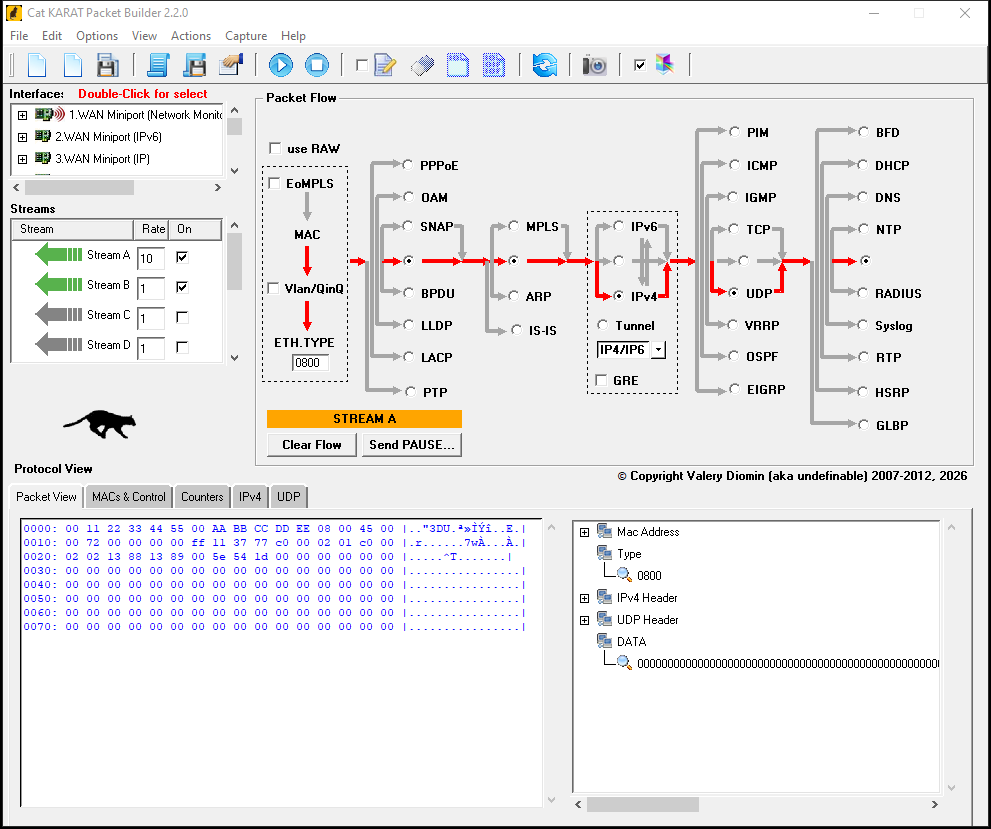
Build and send custom packets in a few clicks.
Compose protocol stacks visually — from Ethernet and IPv6 to SCADA and automotive protocols — inspect every field in a decoded tree with hex highlighting, run multiple streams, and automate repeatable tests with scripts, presets, and InfoSec profiles.
 OPEN PRODUCT →
04 / WIRESHARK PLUGIN
GTP Session Tracker
Follow a whole GTP/PFCP session in Wireshark with one display filter.
A Lua plugin that correlates GTPv1-C, GTPv2-C, GTP-U and PFCP messages into sessions and flags common 3GPP conformance problems as Wireshark expert information.
gtpsess.session == N shows the session across all protocols05 / FREEWARE
Loosha Visual Subnetting
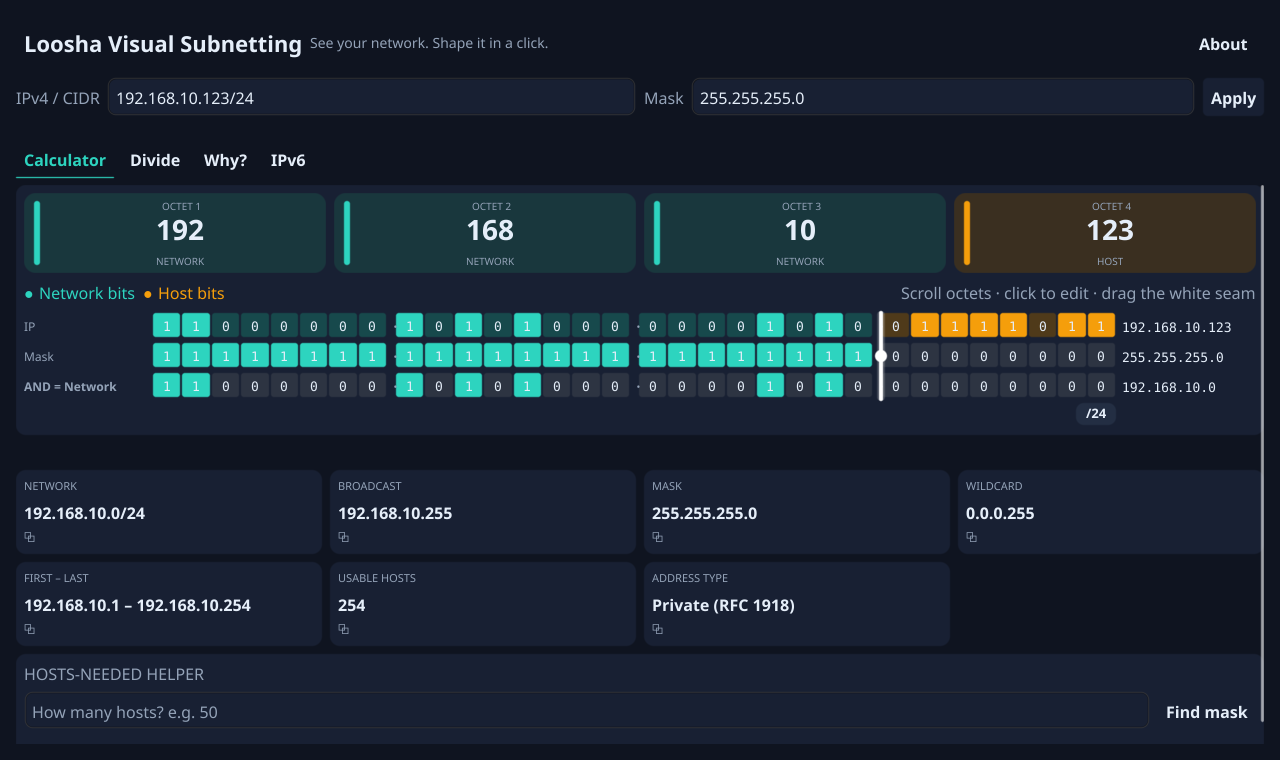
IP subnetting you can actually see.
Visualize every bit of IPv4 and IPv6 addresses, interactively adjust prefix boundaries, and explore subnet division with colorful maps and built-in explanations. More than a calculator — a visual way to understand subnetting.
 OPEN PRODUCT →
DESIGNED FOR REAL LABS
Local tools. Visible protocols. Repeatable results.
Work offline. Keep captures, subscriber data, and test traffic inside your own environment.
Stay close to the wire. Inspect fields, bytes, checksums, tunnels, and correlations instead of trusting a black box.
Move from exploration to automation. Start in the GUI, then repeat the workflow from scripts or the command line.